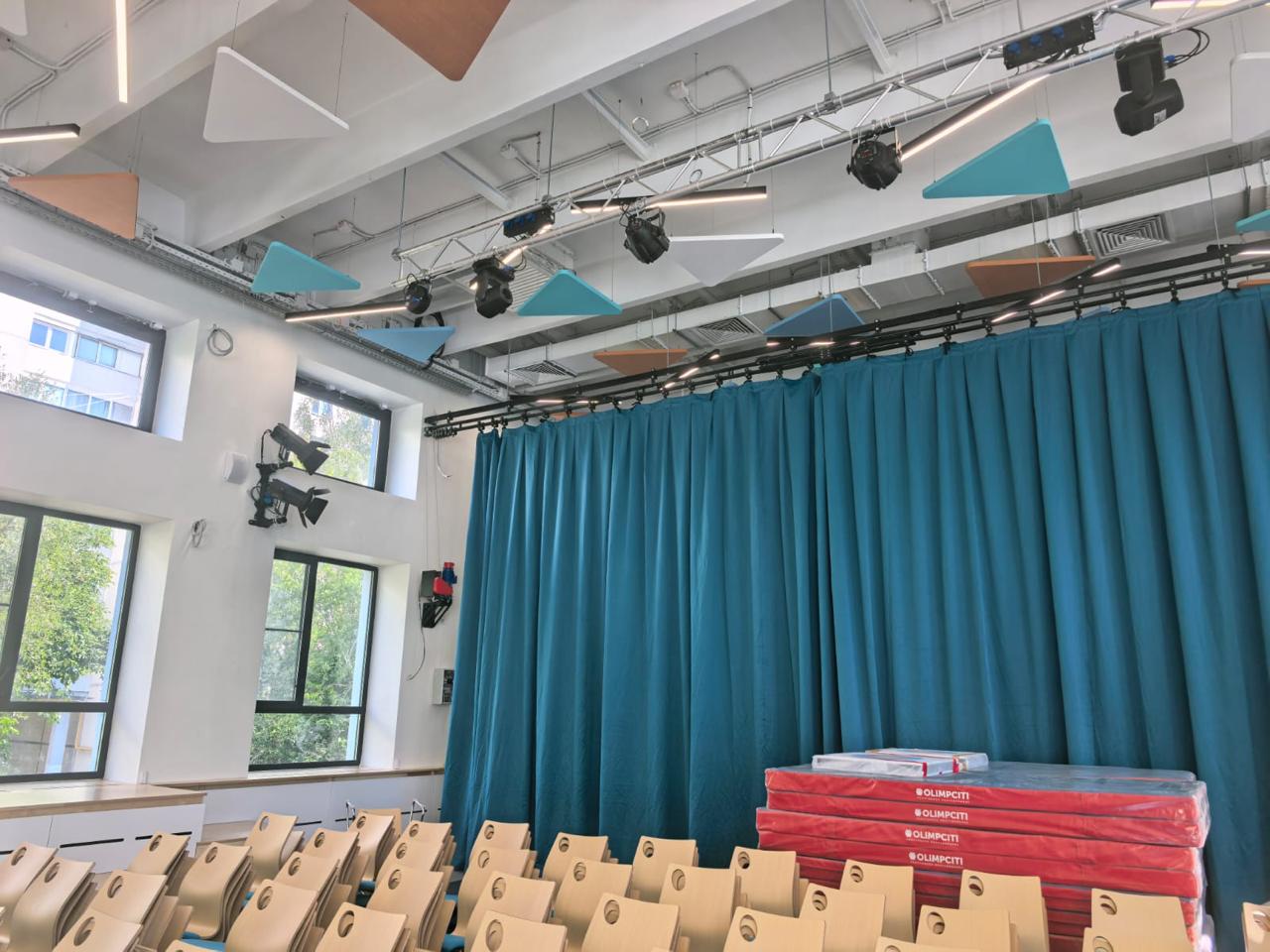
We select interactive panels for school classes, computer science offices, assembly halls, lecture halls and training centers. We supply panels 65′, 75′′, 86′′ and 98′′, complete with OPS-computers, racks, mounts, cameras, microphones, acoustics and perform turnkey installation.
We select interactive panels for school classes, computer science offices, assembly halls, lecture halls and training centers. We supply panels 65′, 75′′, 86′′ and 98′′, complete with OPS-computers, racks, mounts, cameras, microphones, acoustics and perform turnkey installation.
Interactive panel for school - a modern solution for the classroom
The interactive panel for the school is a large touchscreen display that helps to conduct lessons, presentations, interactive classes, online learning and demonstration of educational materials. Such equipment replaces the usual board, projector, screen and part of the multimedia system of the class.
On the interactive panel, you can write with a stylus or finger, open presentations, show videos, work with documents, run educational applications, connect a teacher’s laptop, use a built-in Android or OPS computer with Windows. For the school it is a convenient tool that makes the classes more visual, dynamic and modern.
Verdamare offers to buy interactive panels for the school with professional selection, delivery, installation and configuration. We select not just a model for the price, but a ready-made solution for the room, the tasks of teachers and the requirements of the educational process.
Why schools need to install interactive panels
Comfort for lessons
The teacher can write over the image, open materials, show presentations, videos, diagrams, tables and work with electronic textbooks.
Replacement of projector and board
The panel does not require dimming of the class, does not create shadows on the screen and does not need to replace lamps, like a classic projection system.
Completed multimedia system
The panel can be supplemented with an OPS computer, acoustics, document camera, video camera, microphones and a mobile rack.
What interactive panel to choose for the school
For classrooms, the most often chosen interactive panels are 75′′ and 86′′. The diagonal depends on the size of the room, the distance to the students, the number of desks, the height of the installation and the use scenario.
Suitable for small classrooms, methodical classes, individual classes and small educational facilities.
A popular solution for classrooms, additional education rooms and small audiences.
The best option for large classes, physics, chemistry, computer science and engineering classes.
It is used in large classrooms, assembly halls, lecture rooms and training centers.
What is included in the interactive panel for the school
We can deliver both a separate interactive panel and a fully finished solution for the class or audience. The kit may include additional devices necessary for the convenient work of the teacher.
Basic kit
- Interactive panel 65′′, 75′′, 86′′ or 98′′;
- wall-mounting;
- connection cables;
- primary setting.
Class kit
- panel 75′′ or 86′′;
- OPS computer;
- mobile rack or wall installation;
- Connecting the teacher's laptop.
Extended kit
- document camera;
- acoustic system;
- videoconferencing camera;
- microphones and switching.
The main characteristics of the interactive panel for the school
| Parameter | What's important to school | Recommendation |
| Diagonal | The screen size depends on the readability of the text and visibility from the back desks. | For the class - 75" or "86" for small rooms - 65 ", for halls - 86 " or 98 ". |
| Permission | Clear text, tables, diagrams, presentations and training materials. | It is optimal to choose a panel with a 4K resolution. |
| Sensor | The ability to write, draw and work with multiple users at the same time. | Desirable support for multi-touch and stylus work. |
| OPS computer | Allows you to use Windows, office programs, browser and training software. | It is recommended for schools where full work with programs is needed. |
| Installation | The panel has a lot of weight and requires reliable mounting. | Installation is better done professionally, taking into account the wall and height of the installation. |
Interactive panel for the class
For a regular school classroom, the most common option is the interactive panel 75′′ or 86′′. The panel is mounted on the wall instead of the usual board or next to it. It is also possible to install on a mobile rack if the equipment needs to be moved between the offices.
When installing, it is important to correctly determine the height of the panel. The teacher should be comfortable with the touch surface, and the students should be able to see the image from different places in the classroom. It is also necessary to provide power, laptop connection, access to USB connectors, network connection and service.
Interactive panel for the computer science office
In the computer science office, an interactive panel is used to demonstrate tasks, programs, interfaces, training videos, diagrams, code and presentations. The panel can be connected to the teacher's computer, local network, Internet and external acoustics.
For the office of computer science often choose a panel with an OPS computer or a connection to a stationary PC. This allows you to use the usual software environment, office applications, browser and specialized training software.
Interactive panel for the assembly hall of the school
In the assembly hall, the interactive panel can be used for presentations, meetings, parent meetings, conferences, open lessons and educational events. For such rooms, it is important to consider the distance to the audience and the size of the image.
If the assembly hall is large, one panel 86 may not be enough for all rows. In this case, you can consider the panel 98′′, projection system or LED-screen. Verdamare can choose the optimal solution, taking into account the size of the hall, lighting, audience accommodation and use scenarios.
Installation of an interactive panel in the school
Installation of an interactive panel is not just mounting a large screen on a wall. The 75′′, 86′′ and 98′′ panels have considerable weight, so it is important to consider the wall material, type of mounting, installation height, location of sockets, cable lines and safety of operation.
Inspection of the installation site
Check the wall, the location of the furniture, the ease of work of the teacher, the height of the installation and access to the connectors.
Fixing and installation
We select a wall mount or mobile rack, perform installation and secure fixation of the panel.
Connection and setup
Connect power, HDMI, USB, LAN, OPS-computer, acoustics, camera, microphones and check the system.
Interactive panel or projector for the school
Many schools choose between an interactive panel and a projector. A projector can be convenient for large images in a showroom or lecture hall, but for daily classroom work, an interactive panel is often more convenient.
The panel does not require dimming the room, does not create shadows, does not need to replace lamps, has a built-in touch surface and allows you to work immediately with the lesson materials. For a regular classroom, this is a more practical solution, especially if the equipment is used every day.
Why you should not choose an interactive panel only at the lowest price
When buying an interactive panel for a school, it is important to consider more than just the cost. A model that is too cheap can have poor brightness, an uncomfortable interface, poor sensor quality, limited connections, upgrade issues, or lack of normal service support.
For the school, reliability, readability of the image, ease of work of the teacher, compatibility with educational software, the possibility of installing an OPS computer, the quality of mounting and installation safety are important.
Buy an interactive panel for the school with a ready commercial offer
Verdamare will prepare the selection of equipment for your class, computer science office, assembly hall or classroom. We will calculate the cost of the panel, mounting, OPS computer, rack, delivery, installation and settings.
The price of an interactive panel for the school
The price of an interactive panel for a school depends on diagonal, brand, resolution, sensor technology, availability of an OPS computer, mounting, mobile rack, delivery, installation work and settings.
The final cost usually consists of several parts: the interactive panel itself, mounting or rack, OPS-computer, cables, additional equipment, delivery, installation, connection and commissioning.
To get an exact price, it is better to request a commercial offer for a specific task. This will allow you to immediately see the full cost of equipment and work without hidden costs.
Get an interactive panel for the school
Leave a request - we will select an interactive panel for your class, audience or assembly hall, prepare a complete set and commercial offer.
Frequent questions
Which interactive panel is best for the school?
For most school classes, panels 75 and 86 are suitable. If the room is small, consider the 65. For assembly halls and large audiences, it is better to choose 86, 98 or consider a projection system.
Can I buy an interactive panel for the school with editing?
Yeah. Verdamare can put an interactive panel, pick up a mount or mobile rack, perform installation, connection, configuration and instruction of users.
Do I need an OPS computer for an interactive panel?
OPS-computer is needed if the panel requires full-fledged work in Windows, running office programs, browser, training software and video conferencing.
Which is better for a class – an interactive panel or a projector?
For daily work in the classroom, the interactive panel is usually more convenient: it does not require dimming, does not create shadows, has touch control and does not require replacing lamps.